5 Ways to Get Canva Pro Free - Unlock Premium Features 2026

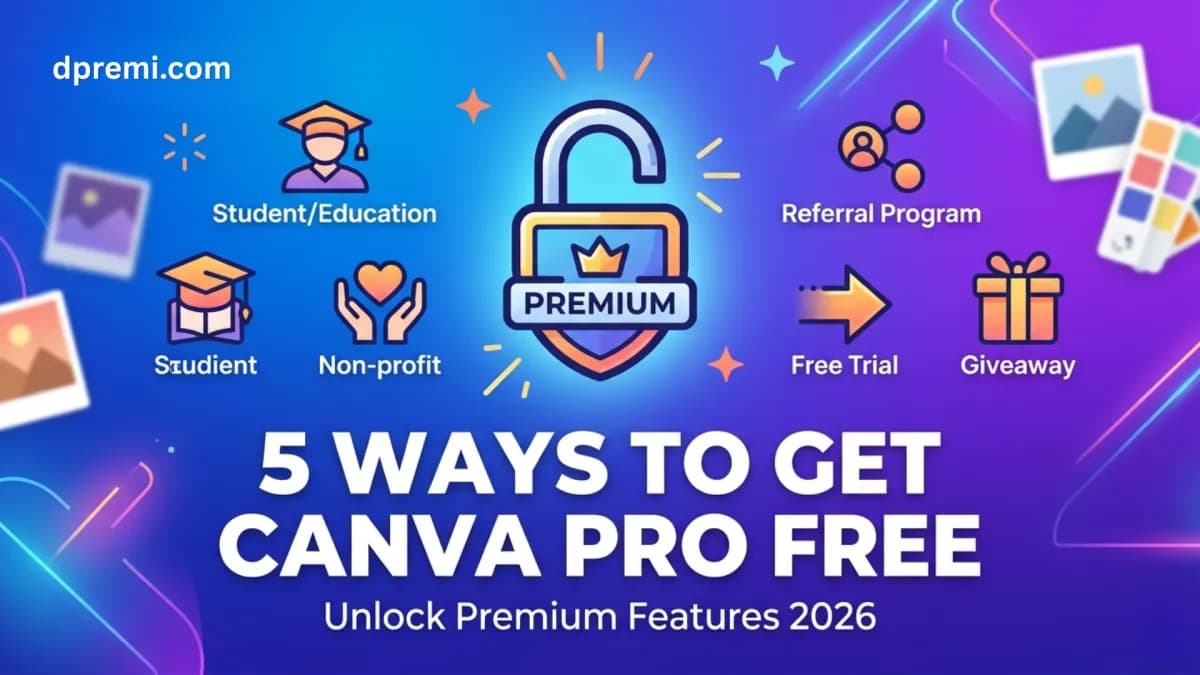
📌 Quick Answer: There are five legitimate ways to get Canva Pro free in 2026: the official 30-day free trial, Canva for Education (students and teachers), Canva for Nonprofits, free access through referrals and promotions, and a free trial account available at dpremi.com. Each method has specific eligibility requirements, duration limits, and conditions explained in full below.
Why Canva Pro Free Is in High Demand?
Canva Pro sits behind a subscription paywall, but the features it unlocks including AI-powered tools, premium templates, Background Remover, Brand Kit, and 1TB of storage are genuinely useful for millions of people who cannot or do not want to pay full price.
The demand for free Canva Pro access is real and understandable. Students need design tools for academic work. Creators need premium templates to compete for attention. Freelancers need professional-grade assets without cutting into their income. Small business owners need marketing materials without agency fees.
This guide covers every legitimate route to free Canva Pro access in 2026. We explain exactly how each method works, who qualifies, and what the limitations are, so you can choose the right option for your situation.
Method 1: Canva Pro Free Trial (30 Days, New Users)
How It Works
Canva offers a 30-day free trial of Canva Pro for new users who have not previously activated a trial. During this period, you get complete access to all Canva Pro features with no charges until the trial period ends.
Who Qualifies
Any new Canva user who has never activated a Canva Pro trial before. You will need a valid email address and a payment method on file, though you will not be charged during the trial period.
How to Activate
Go to Canva and create a new account if you do not have one.
Click on 'Try Canva Pro for free' from the homepage or any Pro-locked feature.
Enter a valid payment method. You will not be charged during the 30-day trial.
Cancel before the trial ends if you do not want to continue to a paid subscription.
Limitations
One-time only per account and payment method
Requires a payment method on file
Access ends after 30 days unless you subscribe
Not available if you have previously used a Canva Pro trial
💡 Best for: Users who want to test Canva Pro before committing, or who have a short-term project and need Pro features for a limited time.
Method 2: Canva for Education (Free for Students and Teachers)
How It Works
Canva offers its Pro tier completely free for verified students and teachers through the Canva for Education program. This is one of the best free-access programs available because it provides ongoing access with no expiration while you remain enrolled or employed in an eligible institution.
Who Qualifies
Students enrolled in K-12 schools or higher education institutions, and teachers or administrators at accredited educational institutions. Your institution must be listed in Canva's approved school database, or you can apply for your school to be added.
How to Activate
Go to canva.com/education and click 'Get started for free'.
Verify your student or teacher status using your educational email address or through a third-party verification service.
Once verified, your account is upgraded to Canva Pro at no charge.
Limitations
Requires verified student or teacher status
Institution must be eligible or approved
Access may end if you leave your institution
Not available to freelancers, business users, or independent creators
💡 Best for: Current students and teachers at eligible educational institutions who need ongoing professional design access for academic work.
Method 3: Canva for Nonprofits (Free for Eligible Organizations)
How It Works
Canva provides free Pro access to registered nonprofit organizations through its Canva for Nonprofits program. Eligible organizations receive up to five free Canva Pro licenses for their team.
Who Qualifies
Registered nonprofit organizations that meet Canva's eligibility criteria. This typically means organizations with official nonprofit or charitable status in their country. The application process requires documentation of your organization's nonprofit status.
How to Activate
Visit canva.com/canva-for-nonprofits and submit an application.
Provide required documentation of your nonprofit status.
Wait for Canva's review and approval, which can take several business days.
Once approved, receive free Canva Pro licenses for your organization's team.
Limitations
Restricted to registered nonprofit organizations only
Application approval is not guaranteed
Limited to five free licenses per organization
Not available to for-profit businesses, freelancers, or individuals
💡 Best for: Registered nonprofits, charities, and social impact organizations that need professional design tools for outreach, campaigns, and communications.
Method 4: Canva Referral Programs & Promotional Offers
How It Works
Canva occasionally runs referral programs and promotional campaigns that give users free Canva Pro access or extended trials. These promotions are time-limited and not always active, but when available they can provide a meaningful free-access window.
Common Promotional Formats
Referral bonuses: invite friends to join Canva and earn free Pro days or months
Platform partnerships: special promotions through education platforms, creator communities, or tech partnerships
Seasonal campaigns: limited-time offers during major product launches or marketing events
Limitations
Promotions are not always active and can end without notice
Duration of free access varies and is often limited to days or a few weeks
Not a reliable long-term solution for ongoing design needs
💡 Best for: Users who are already active in the Canva community and want to extend their free access opportunistically. Not suitable as a primary strategy for reliable Pro access.
Method 5: Try Canva Pro Free via Dpremi
How It Works
Dpremi is a globally trusted digital subscription platform serving customers in 50+ countries, offers a limited daily quota of free Canva Pro access to new users. This works as a practical free trial experience: you register an account on dpremi.com, contact their admin via WhatsApp, and if the daily quota is still available, you receive Canva Pro access at no charge.
Think of this as dpremi's way of letting you experience what their Canva Pro accounts are like before deciding to purchase a paid subscription. It is the closest thing to a free trial that most general users will find outside of Canva's own 30-day trial.
Who Qualifies
Any user can attempt to claim this offer. There are no eligibility restrictions based on student status, organization type, or region. The main constraint is the daily quota, which is limited, so availability varies.
How to Claim Free Canva Pro at dpremi.com
Go to dpremi.com and register a free account using a valid email address.
Make sure you have an active WhatsApp number, as the process involves contacting the admin team directly.
Contact the dpremi admin via WhatsApp and request the free Canva Pro quota for the day.
The admin will confirm whether the daily quota is still available.
If available, you will receive Canva Pro access details from the admin team.
If the daily quota is full, you can ask the admin about other options or revisit the next day.
Read the complete guide here to understand how to claim Canva Pro free access, how the daily quota system works, and the best options if the free slots are already full.
Important Note About the Daily Quota: The free Canva Pro quota at dpremi.com is limited each day. This means not every user who applies on the same day will receive free access. Acting early in the day gives you a better chance of claiming it before the quota fills up.
For guaranteed ongoing Canva Pro access, dpremi's paid subscription plans offer up to 90% off the official price with instant delivery and a full warranty.
Why This Method Stands Out
No eligibility restrictions based on student, teacher, or nonprofit status
Available to users in any country, including Singapore, Malaysia, Philippines, Australia, US, UK and beyond
No requirement to enter a payment method to claim the free quota
Supported by dpremi's real human team, not an automated system
Gives you direct experience with dpremi's service quality before purchasing
💡 Best for: General users, freelancers, small business owners, and creators who do not qualify for Canva's official free programs but want to experience Canva Pro before committing to a paid plan.
Comparing All 5 Methods Side by Side
Frequently Asked Questions: FAQ Canva Pro Free
Can I really get Canva Pro for free?
Yes, there are legitimate ways to get Canva Pro free depending on your situation. The most widely accessible method for general users is the 30-day official free trial or the limited daily quota available at dpremi.com.
Is the dpremi free Canva Pro offer legitimate?
Yes. dpremi.com is an established digital subscription platform serving customers in 50+ countries. The free quota offer is a genuine promotion run by their team. Availability is limited daily, so there is no guarantee you will receive it on any given day.
What is the best way to get Canva Pro free as a student?
If you are a student at an eligible educational institution, Canva for Education is the best option as it provides ongoing free Pro access with no daily quota limitations.
What is the best way to get Canva Pro free if I am not a student?
For non-students, the official 30-day trial is the most straightforward option. The dpremi.com free quota is the best ongoing alternative if you have already used your trial.
What if I need Canva Pro beyond a free trial?
dpremi.com offers Canva Pro at up to 90% off the official price, with instant delivery, verified accounts, and a full warranty. It is the most cost-effective way to maintain ongoing Canva Pro access after a free trial ends.
Summary: Your Best Path to Free or Affordable Canva Pro
Here is a simple decision guide based on your situation:
You are a new Canva user with no prior trial: use the official 30-day free trial
You are a student or teacher at an eligible institution: apply for Canva for Education
You represent a registered nonprofit: apply for Canva for Nonprofits
You want to try before buying with no eligibility restrictions: claim the free quota at dpremi.com
You need guaranteed ongoing Canva Pro access at the lowest price: purchase through dpremi.com at up to 90% off