Top Up CapCut Pro: How to Get More Pro Access and Credits Fast

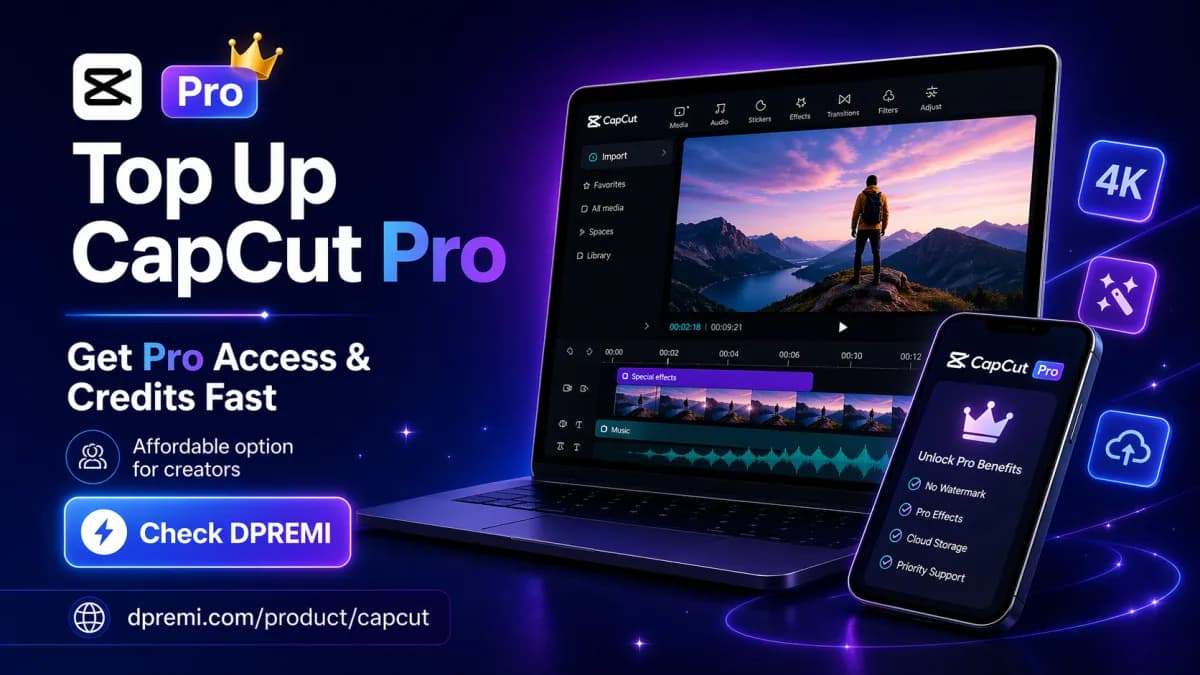
If you are searching for Top Up CapCut Pro, you are probably trying to do one of two things: renew or buy CapCut Pro access, or add more CapCut credits for AI-powered features. That distinction matters, because CapCut Pro and CapCut credits are not the same product. In this guide, you will learn how CapCut top-ups work, how to choose the right option for your workflow, and where to find an affordable alternative if you want CapCut Pro for less.
For users who want a faster and budget-friendly option, you can also check this CapCut Pro offer on DPREMI.
What Does “Top Up CapCut Pro” Mean?
The keyword Top Up CapCut Pro is commonly used in two different ways. Some users mean they want to buy or renew CapCut Pro, while others are specifically looking for more credits to use premium AI tools inside CapCut.
1. Top up CapCut Pro subscription
This usually means purchasing a new CapCut Pro plan or renewing an existing one. A Pro plan gives ongoing access to premium editing tools, advanced effects, watermark-free exports, and other paid features.
2. Top up CapCut credits
Other users are looking for extra credits for AI-powered features such as advanced generation or premium automation tools. CapCut now uses a credit-based system for certain AI functions, so some people use the phrase “top up CapCut Pro” when they actually mean buying more usable credits.
CapCut Pro vs CapCut Credits: Know the Difference Before You Buy
Before you spend money, it is important to understand the difference between a CapCut Pro subscription and CapCut credits.
What CapCut Pro gives you
Access to premium editing tools
Premium templates, filters, and effects
Better export options
Cloud storage and cross-device workflow support
In some plan structures, monthly bonus credits may also be included
What CapCut credits are used for
AI-powered features beyond normal subscription benefits
Pay-per-use style access for selected advanced functions
Flexible usage depending on the feature and available balance
If you only need premium editing tools, a Pro subscription may be enough. If you heavily use AI features, you may also need credit balance in addition to your Pro plan.
To better understand how CapCut separates plans and credits, you can read CapCut’s official resources on monthly and yearly Pro plans, credit types, and whether credits can be used to buy Pro plans.
How to Top Up CapCut Pro Officially
If you prefer the official route, here is how users generally top up or renew CapCut Pro.
Buy or renew through CapCut Pro plans
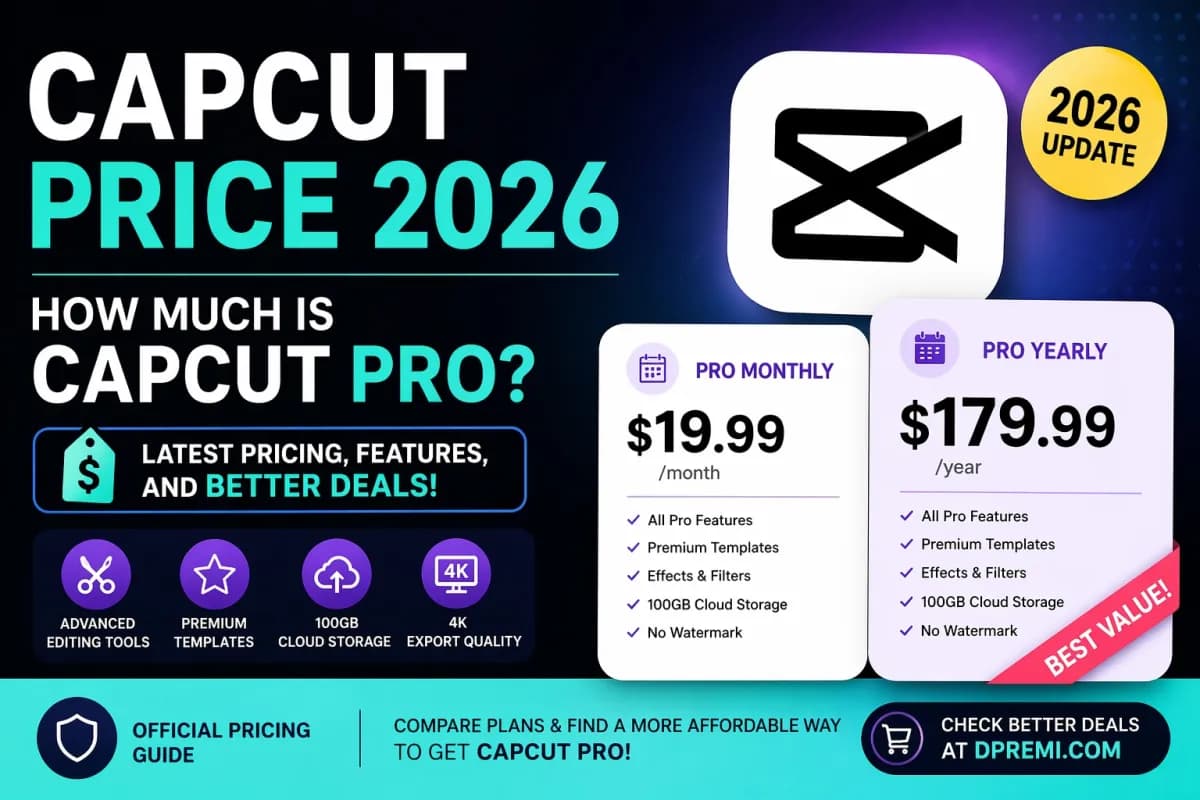
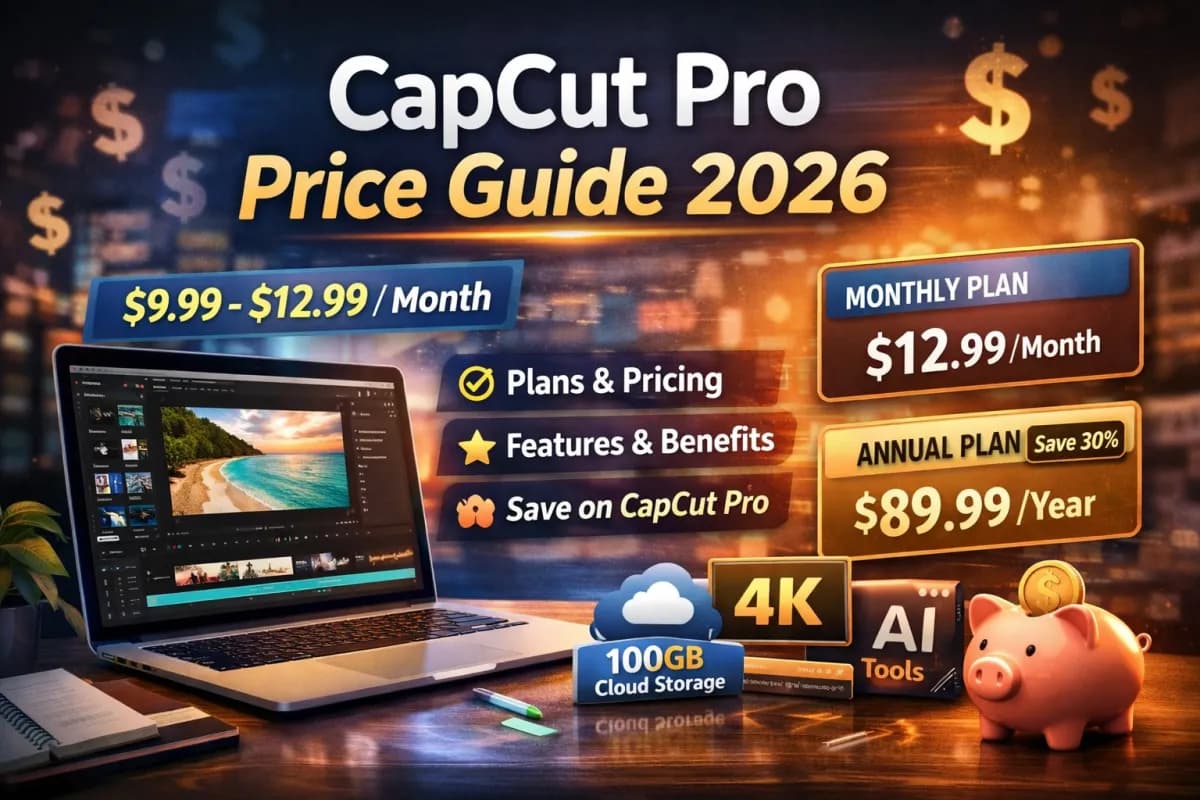
CapCut Pro is generally offered through monthly or yearly subscriptions. You can choose based on your budget, how often you edit, and whether you need short-term or long-term access.
Check whether you need Pro access, credits, or both
This is where many users get confused. Buying credits is not the same as buying CapCut Pro. If your goal is simply to unlock premium editing tools, you need Pro access. If your goal is to use more AI features, you may also need credits.
Review your workflow before paying
Do you edit only on mobile?
Do you also need desktop access?
Do you use CapCut mostly for standard editing or AI features?
Would monthly billing or a longer plan make more sense?
If you want to see how CapCut handles credit purchase and usage, these official pages may help:
How to Choose the Right Top Up Option
For casual creators
If you only edit occasionally, a short-term CapCut Pro option may be the most practical choice. This is ideal for one-off campaigns, event videos, or social media batches.
For freelancers and content creators
If you edit regularly for clients, YouTube, TikTok, or marketing work, a longer CapCut Pro plan can offer better continuity and value. You want stable access without interruption.
For AI-heavy editing
If your workflow depends on AI-powered tools, check whether your plan includes enough monthly credits and whether you may need additional purchased credits later.
Cheaper Alternative to Top Up CapCut Pro
Official subscriptions can be fine, but for many users, pricing becomes the main problem. That is why some buyers look for a more affordable way to access CapCut Pro without paying the highest official rate.
Why many users look for a lower-cost option
Creators, freelancers, students, and small business owners often want premium editing features but still need to control software costs. If the goal is simply to get CapCut Pro access fast and at a lower entry price, a trusted alternative can make sense.
Affordable CapCut Pro access at DPREMI
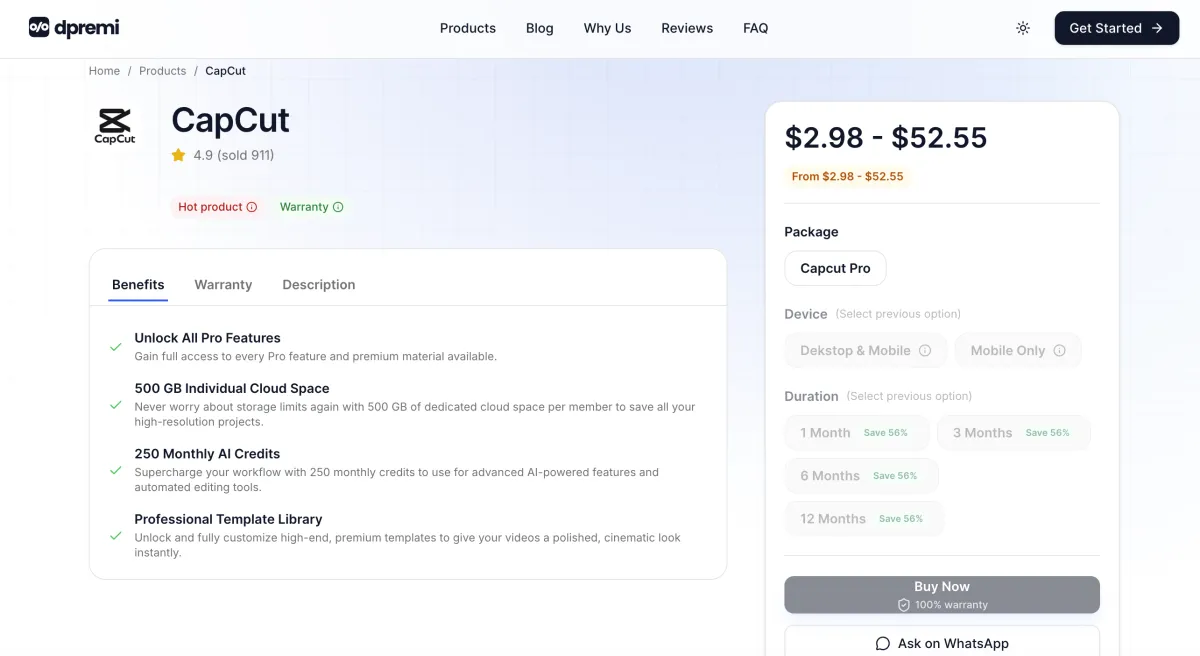
If you want a simpler option, you can check CapCut Pro on DPREMI. This page is relevant for users looking for a practical alternative to official top-up pricing.
What DPREMI offers
Affordable CapCut Pro plans
Instant delivery after payment
Support via WhatsApp or email
Warranty protection
Package options such as Desktop & Mobile or Mobile Only
This makes DPREMI worth considering if your main goal is to get CapCut Pro access quickly without overpaying.
Is It Safe to Buy CapCut Pro from a Third-Party Seller?
Yes, but only if you check the seller carefully. A lower price alone is not enough. You should always review how the product is delivered and what protection is included.
What to check before buying
Clear explanation of the package type
Transparent delivery method
Real support channel
Warranty or replacement policy
Usage limitations, if any
Questions to ask before purchase
Is the account private or shared?
Does it support desktop and mobile?
How long does the subscription last?
What happens if the login stops working?
For example, if you are comparing options, you can review the details directly on the DPREMI CapCut Pro page before making a decision.
Why DPREMI Can Be a Practical Choice for Global Users

Lower entry price
For many buyers, the main advantage is affordability. This is especially useful if you want premium editing features without committing to higher official pricing.
Simple buying process
A fast checkout and quick delivery process can save time, especially for users who need access urgently for content creation.
Flexible package options
Different users have different needs. Some only need mobile access, while others want full desktop and mobile usage. A flexible product page makes it easier to choose the right plan.
Top Up CapCut Pro FAQ
Can I top up CapCut Pro without buying a full new subscription?
In most cases, users renew or purchase a Pro subscription plan rather than “top up” it like a wallet balance. The term top up is often used informally.
Does CapCut Pro include credits?
Some CapCut Pro plans may include monthly credits, but the amount can vary depending on the plan type and billing structure.
Can I use credits to buy CapCut Pro?
No. Credits and Pro subscriptions are separate. Credits are generally used for AI-powered features, while Pro is a subscription for premium access.
Can I buy CapCut credits separately?
Yes, CapCut provides a credit purchase flow for supported platforms and features.
What is the cheapest way to get CapCut Pro?
If you want a lower-cost option, comparing trusted alternatives such as DPREMI CapCut Pro can be a practical move.
Is CapCut Pro available for desktop and mobile?
Yes, but package structure and usage options may vary depending on where you buy and what plan you choose.
Final Thoughts
If you searched for Top Up CapCut Pro, the first thing to decide is whether you need CapCut Pro access, extra CapCut credits, or both. Once you understand that difference, it becomes much easier to choose the right option for your editing workflow and budget.
If your goal is to get CapCut Pro quickly at a more affordable price, take a look at DPREMI’s CapCut Pro offer here.